Reactcomponents
(5 components)Single, self-contained UI elements. Each one is a single .tsx file with typed props, styled with inline styles so it drops into any React or Next.js project without touching your CSS setup.
All components
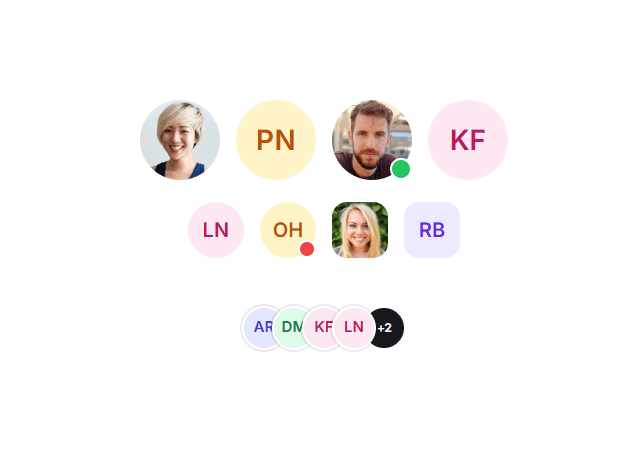
Avatar
Displays a user profile image that degrades gracefully to coloured initials, with an optional presence dot.
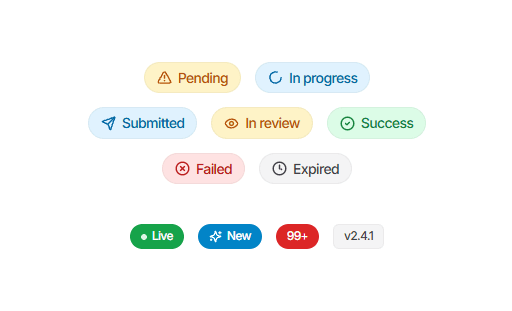
Badge
A small label for statuses, categories, or counts, in soft tinted or solid fills.
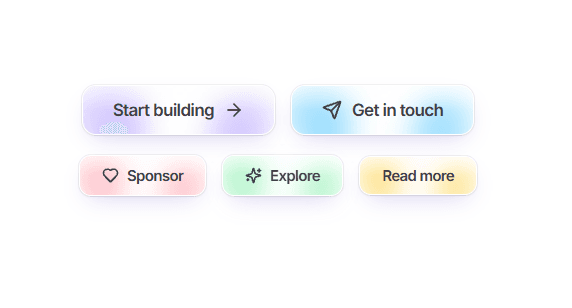
Button
A soft-canvas button with slowly floating blurred blobs behind a crisp white border.
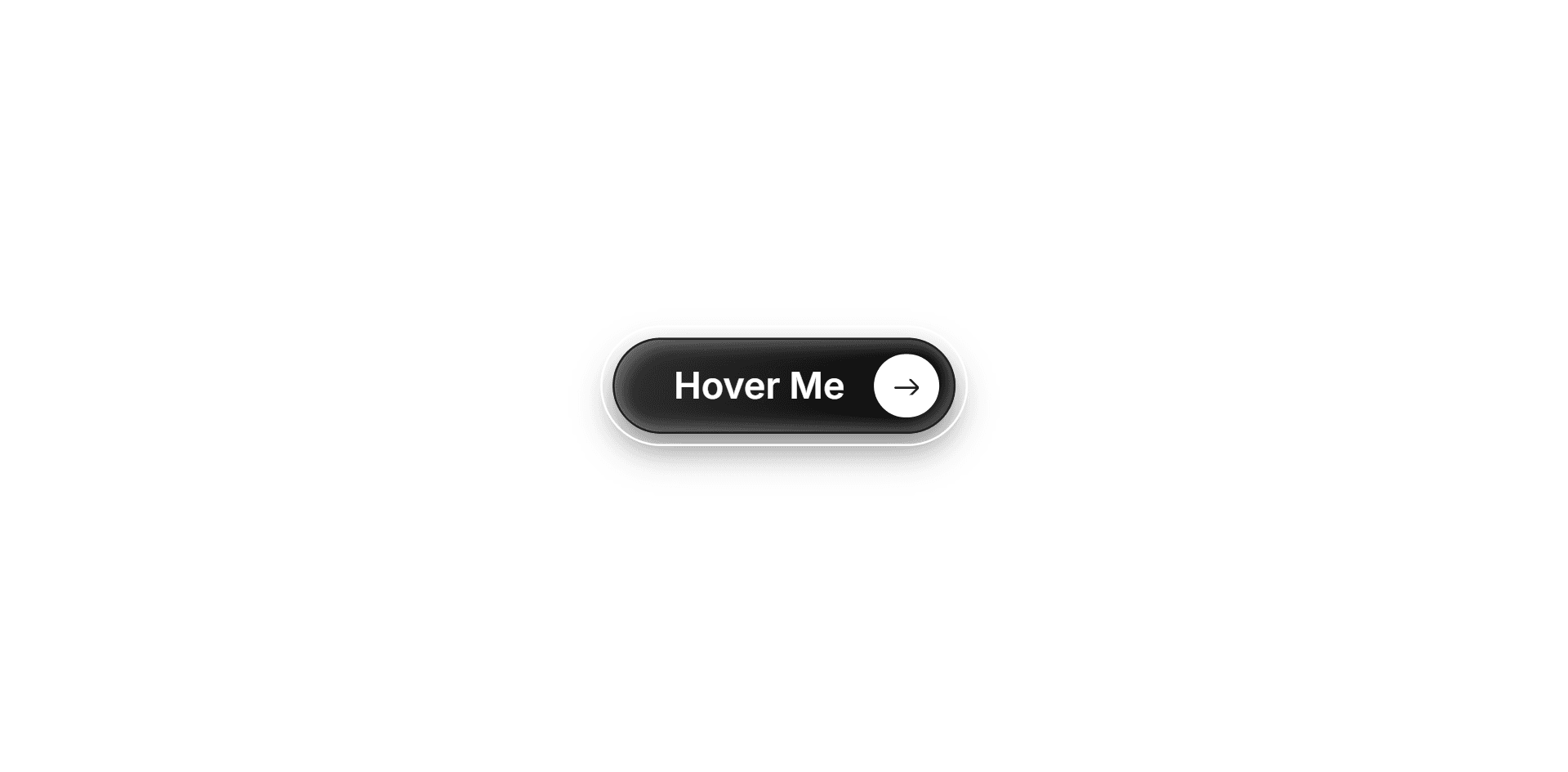
CTA Button
A capsule call-to-action link: a blurred translucent ring around a gradient pill, with a white arrow disc pinned to its right edge.
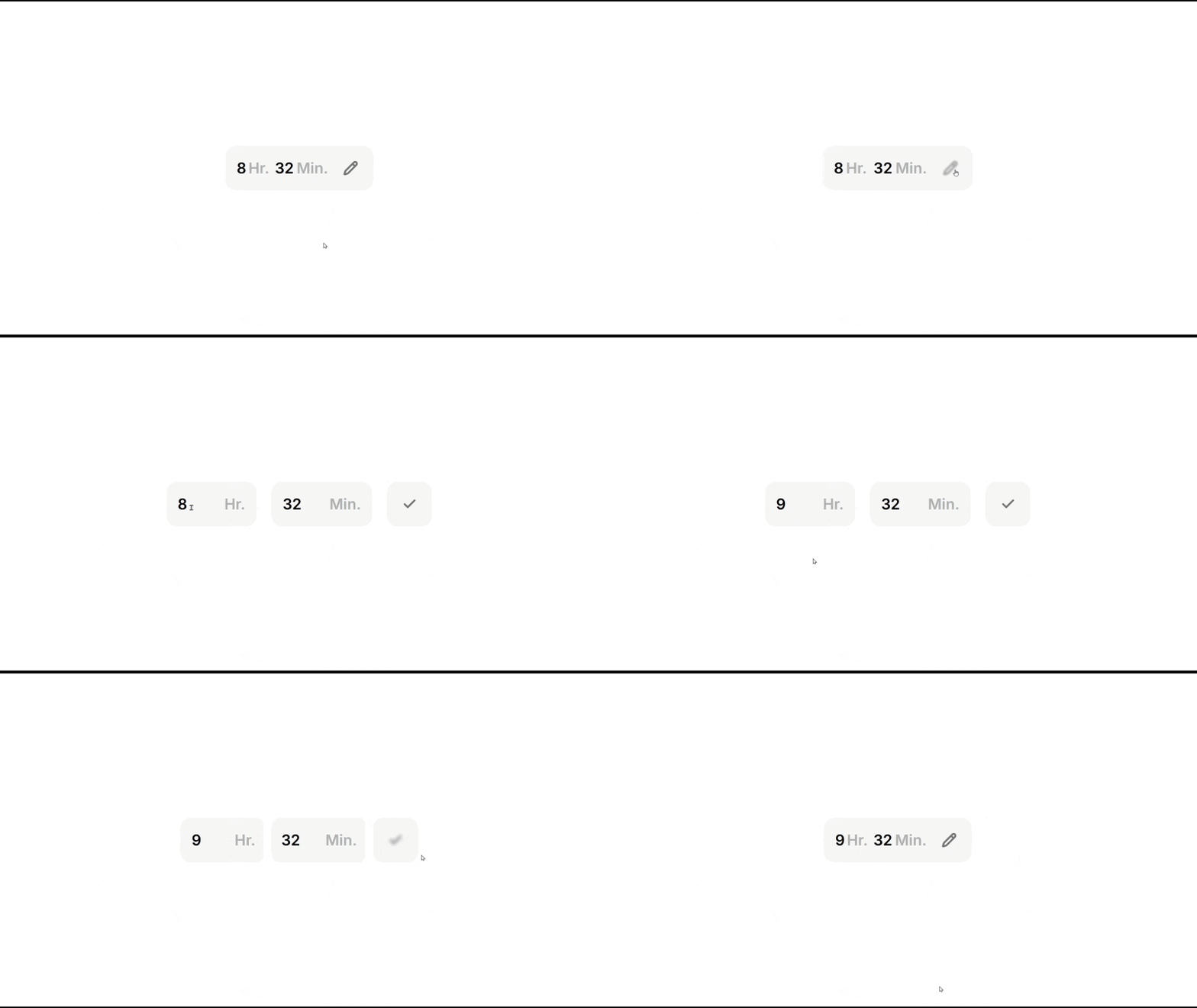
Editable Time Label
A time label that expands into a 24-hour format input on edit and collapses into a read-only text badge upon saving.
1. What kind of React components are in this collection?
Small building blocks rather than whole pages: the button, badge and avatar primitives that every interface needs, plus a few more opinionated pieces. Every component page carries a live preview you can interact with, a props table generated from the component's own metadata, the source in full, and the steps to get it running in your project.
2. How are these components built?
TypeScript and React, with framer-motion where an interaction genuinely benefits from motion and lucide-react for icons. Styling is inline, not utility classes — the trade-off is that a component carries its own look rather than inheriting your design tokens, and the payoff is that it works the moment you paste it in.
3. Are these React components free to use?
Yes. Every component on this page is free to copy into personal or commercial work. There is no sign-up, no attribution requirement and no package to install — the full source sits on each item's page under the Code tab.
4. Do I need Tailwind CSS to use them?
No. The components are styled with inline styles rather than utility classes, so they render identically whether or not your project has Tailwind configured. Each one also accepts a className prop if you would rather restyle it with your own system.
5. How do I add one to my project?
Open the component, switch to the Code tab, copy the file into your own components folder and install the dependencies it lists. Most need only React; some also use framer-motion for animation and lucide-react for icons.
FAQ
Questionsaboutthesecomponents
Questions
about
these
components
What they are, how they are built, and what it takes to get one into your project.